Build Your UI ComponentsWith Frontier AI In Seconds
Access to 300+ premium component templates and advanced top-tier AI coding models in one place. Let AI do the coding, bring components into your project, and ship.
How It Works
Three steps to high-quality components
No more copying boilerplate and manually tweaking. Let AI handle the customization.

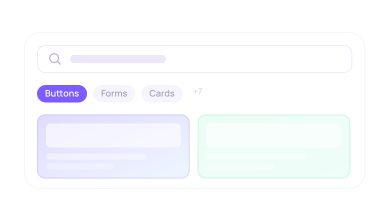
1. Generate and Browse
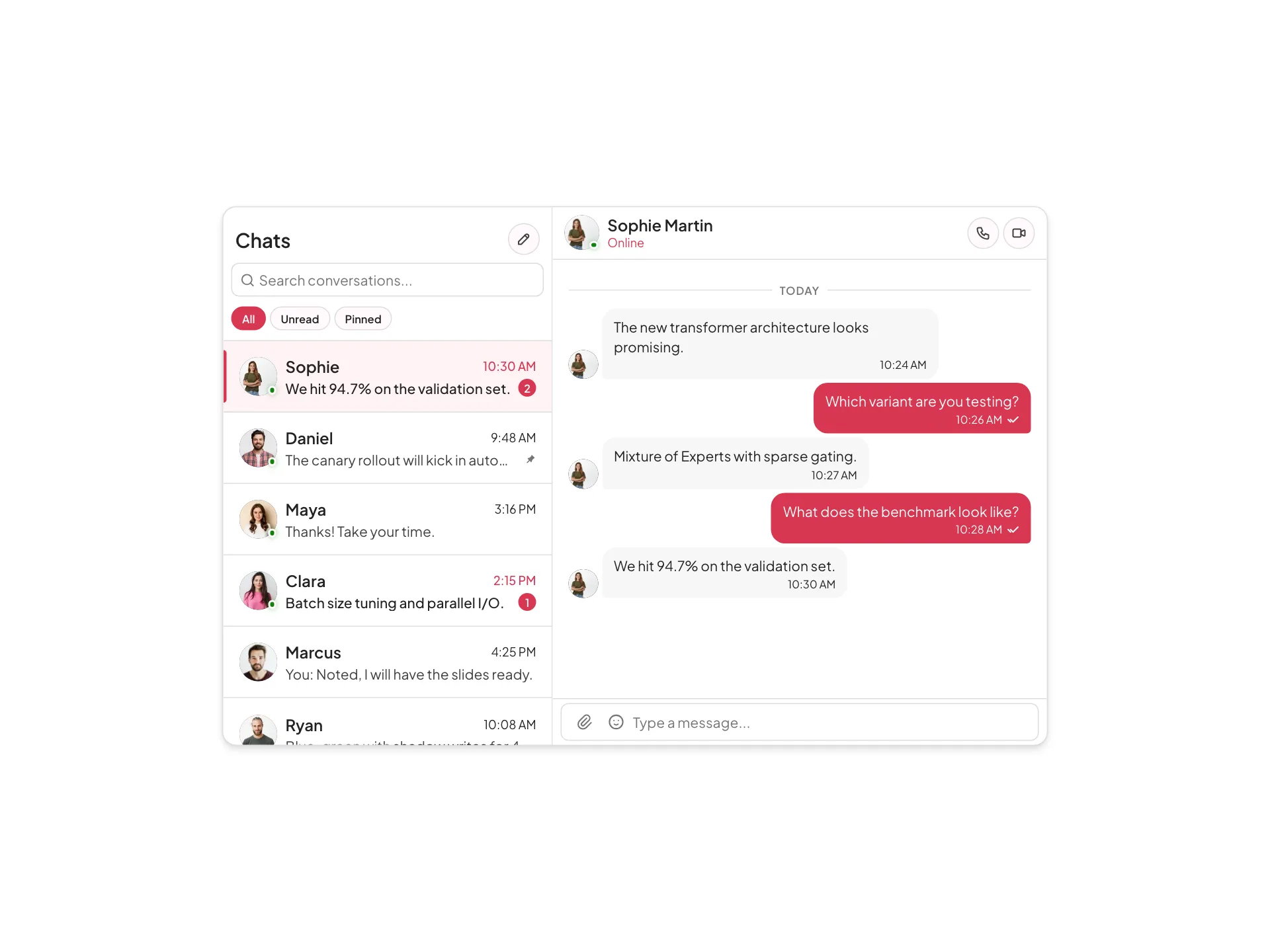
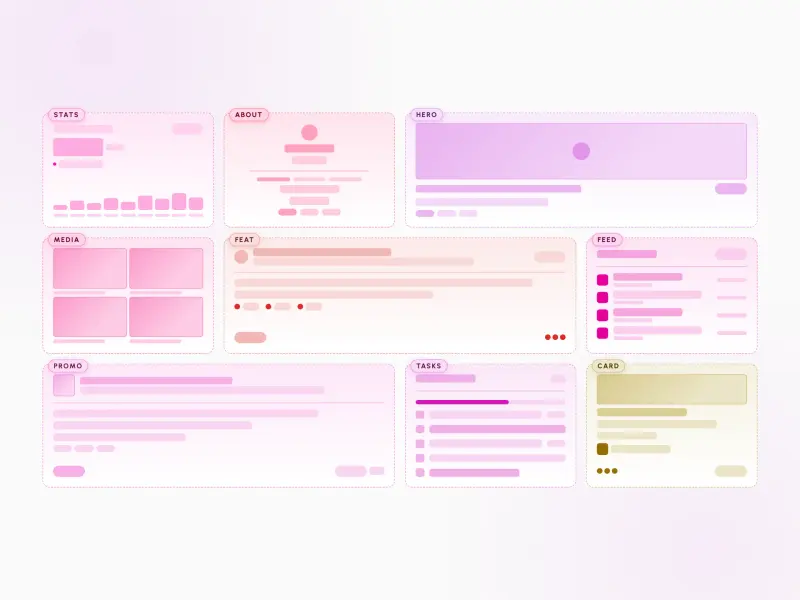
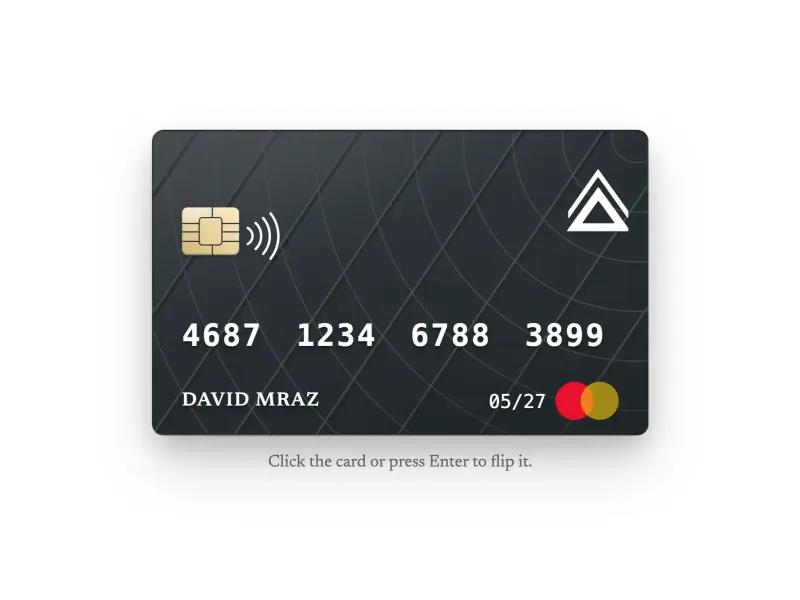
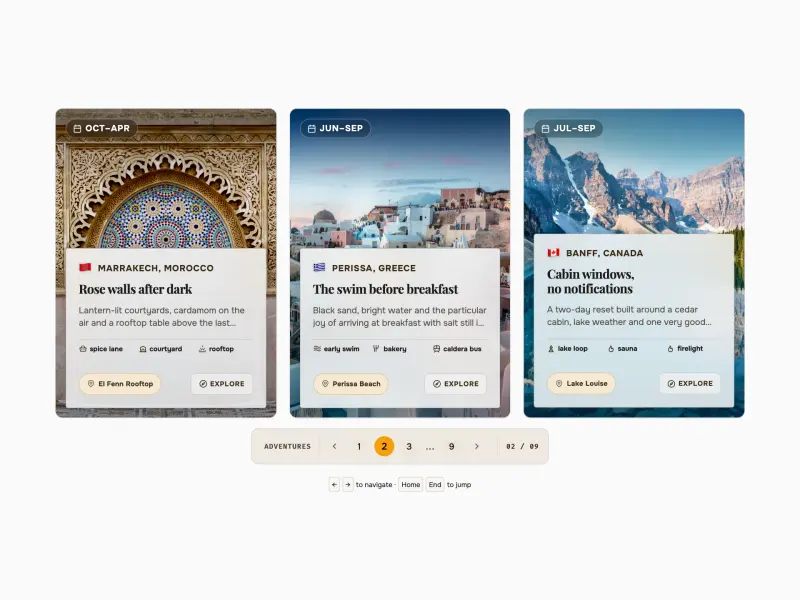
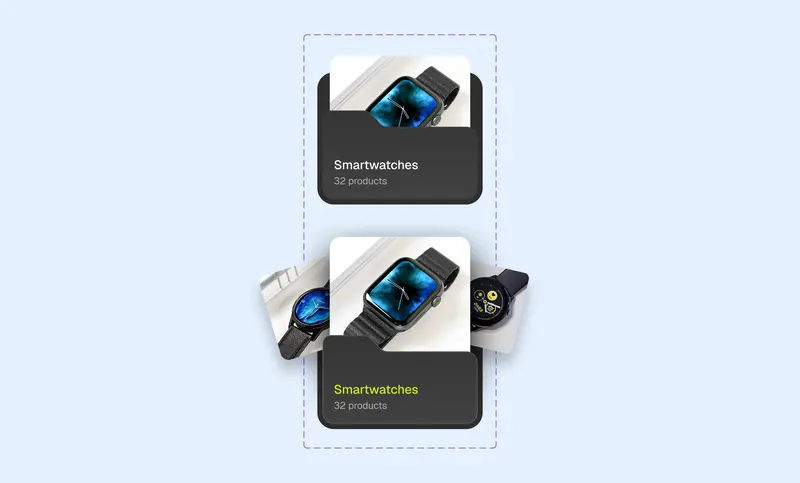
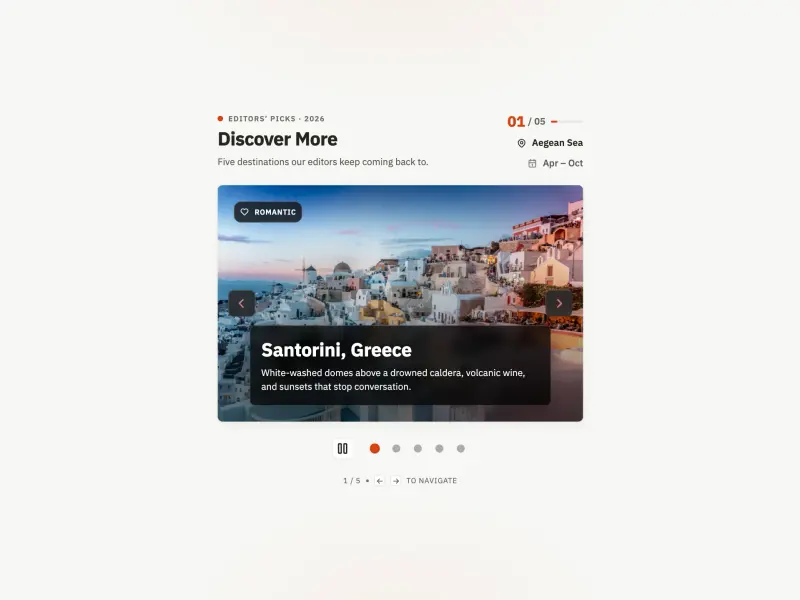
Generate from scratch or start with 300+ premium component templates implemented in frameworks such as React, vanilla or designed directly in Figma.

2. Code With AI
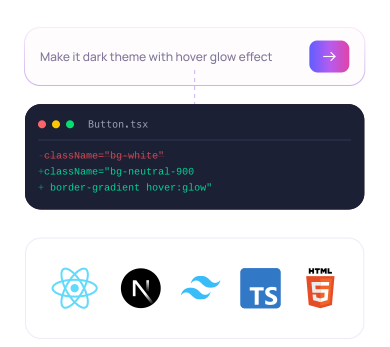
Customize with AI — build UI components in your framework, within your design system's guidelines. Review the generated code and iterate the versions until you are fully happy.

3. Ship To Your Project
Export the code, or connect Claude Code to the Atheros MCP server and pull components straight into your project. Figma export coming soon.
- ExportSource files
- MCPStraight to your repo
- FigmaComing soon
Ship via MCP
- Claude
- Codex
- Gemini
- Cursor
- Windsurf
Pull Components With Claude Code
Connect Claude Code, Cursor or Codex to the Atheros MCP and let your agent work with your components directly.
Build High Quality Frontend With 300+ Production-Ready Components
Search our growing UI collection with search_components. Your agent finds the template that fits and writes it into your project directly over MCP.
Your Own Private UI Collection
Generate a whole private component library, then pull it back into any project with get_component — the same way you reach for a catalogue template.
Validate Against Design.md and Builder.md
validate_project runs the automated tests and checks the output against your design system. Your Builder.md guidelines keep every component in line with the rest of your project.
Export directly to Figma
Turn any AI-generated component into a Figma design with one click. Layers, auto-layout, and styles are preserved — your design team gets a production-accurate source of truth.
Proper Layers & Auto-Layout
Components export with named layers, correct auto-layout constraints, and responsive properties — not flat images.
Colors & Typography Mapped
Tailwind tokens convert to Figma styles automatically. Your design system stays consistent across code and design.
Two-Way Workflow
Designers iterate in Figma, developers generate in Atheros. Both stay in sync without manual handoff.


Full Atheros Platform access in every paid plan
All Atheros AI Pass and Ultra subscribers get full access to Atheros Platform — courses, ebooks, interactive tutorials, challenges, and cheatsheets. No extra cost.
20+ hours of full-picture video training
2000+ pages of practical ebooks
200+ quick 1-minute tips & tricks tutorials
130+ hands-on interactive tutorials
Individual mentoring in Slack community
Library of 1500+ curated structured resources












Ready to build faster?
Full access to AI Component Builder: 300+ production-ready components, all top-tier AI models with transparent per-use pricing. Every paid plan includes full Atheros Platform access with courses, tutorials, and challenges.
Starting at $15/month + VAT